_2d2230.png)
_5a42ce.png)

MrHappy
Global Moderator
-
Joined
-
Last visited
Everything posted by MrHappy
-
-
yes, but its 20 odd year old tat...
-
really ? fire up your ford orion & go & knock on their door...
-
-
OP - Sooner or later the sub is going to ring to play back or export footage chance are you'll having forgotten who the tat works,even if they pay you attend site & do it you'll still have to faff.... rip it out & use your kit
-
is that another brand of cheap cctv ?
-
I'm way too cool to have joined a FB alarm/cctv group
-
surely you'd spec your own kit ?
-
-
because their worn out, you need either new old stock or a remote control button repair doodar....
-
Menvier Security Ltd who where dissolved in 2015
-
I was impressed, I never knew Pete was Welsh? Having Llanfairpwllgwyngyllgogerychwyrndrobwllllantysiliogogogoch tattooed on it much has cost a bit....
-
lol,
-
Somedays I thinks I've died & TSI is like some sort of purgatory...
-
Guess what button I just pressed-
-
no they sent me another lovely brochure..... I do look at 'em before they go in the recycle bin
-
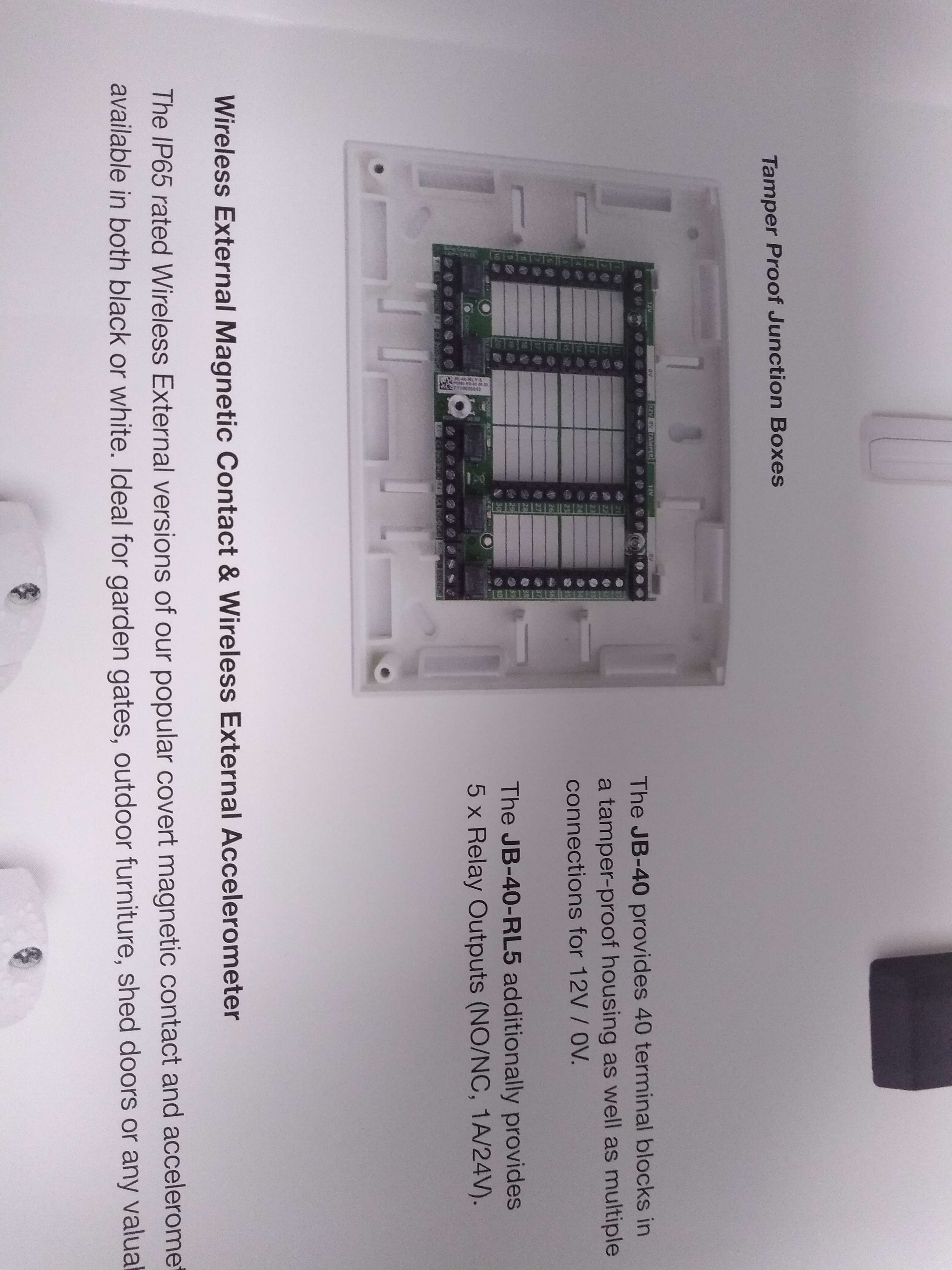
An orisec joint box -
-
neither do I.... Can you guess whats the coolest alarm shit I've seen all week ( a new to me product seen in print?)
-
is their any reason why I should care ?
-
@Logan auto configured means its being auto learnt.....
-
If i wanted to play with a fire alarm there one on the wall at work, I much prefer being paid to work on stuff
-
RTFM
-
remove the + wire from every sounder circuit....
-
you want to test w/o the sounders sounding ?
-
why ?