_2d2230.png)
_5a42ce.png)

MrHappy
Global Moderator
-
Joined
-
Last visited
Everything posted by MrHappy
-
worked on a plaggy one, a mini, 3 metal ones... all tat Imo dunno, I dont think an ajax type of thing is the way forward
-
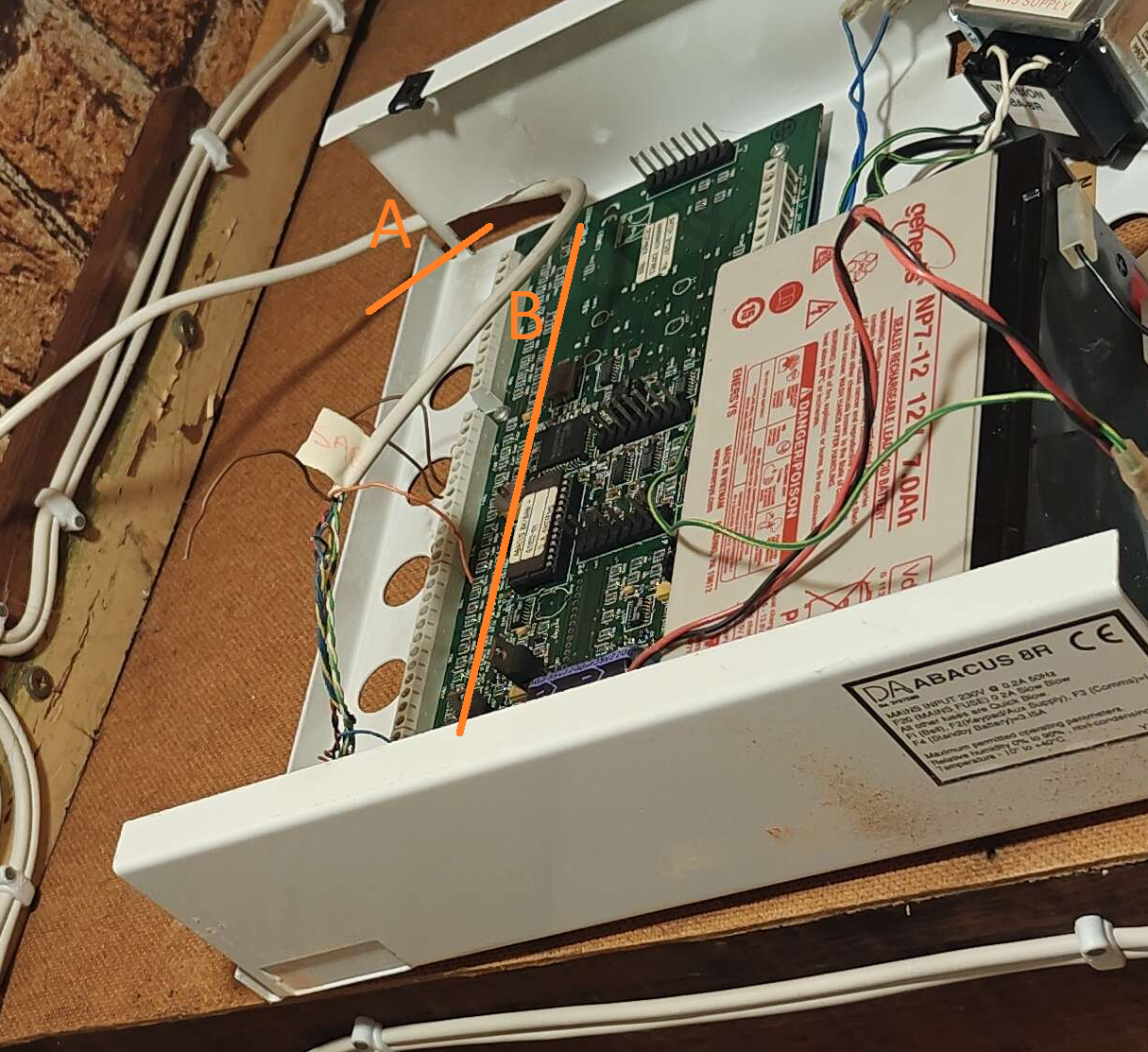
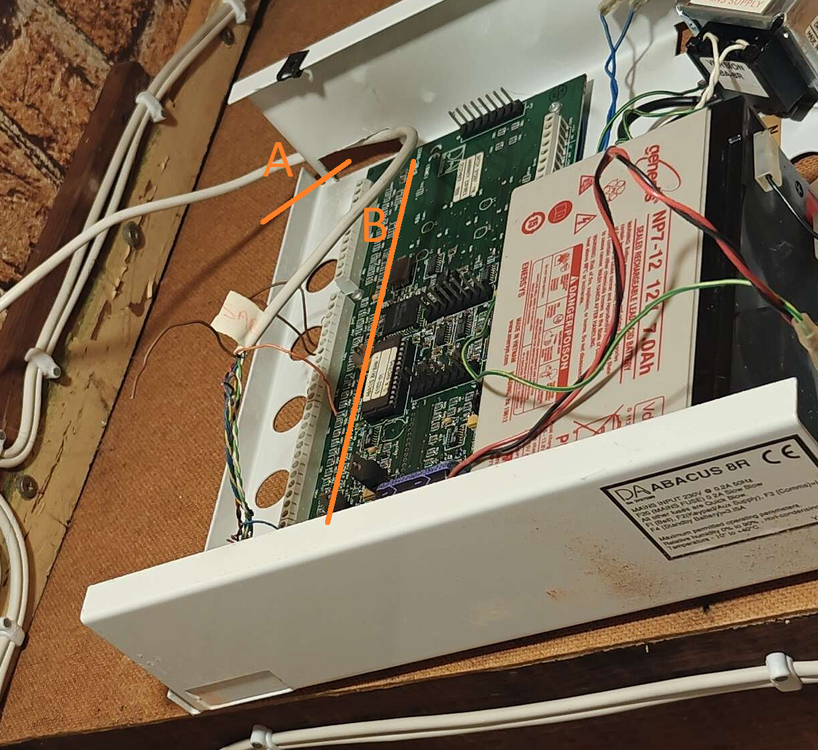
with its top off-
-
I'd rip it out & stamp on it to ensure its dead.... If you need to replace with same thing its probably cheaper as a kit /
-
I doubt there enough profit I a single panel to pay for 15 minutes of support ?
-
Somewhere on my phone I have pic of YEB panel, fitted at skirting board height in former filling station.... selling nuclear fallout shelter for the soon to kick off ww3 ?
-
nah its still DIY toot....
-
have you turned the pot up ?
-
lets have look at the information on your link dated Dec 2020 - If you run an Alarm Receiving Centre the rozzers have mostly automated their control rooms (ECHO) & to be on their platform you'll need a "Cyber Essentials Cert" which is nothing to do with NSI (or SSAIB) If you don't have your own ARC but use an accredited 3rd party like almost all of the modest sized alarm co's there's no need to bother with "Cyber Essentials" as it not essential to have 😉 PS all business & personal passwords are B@nanaman1983 & I've never been hacked....
-
One of those auditors was in town the other week,, he went to load of places the local where quite unhappy about being filmed...
-
Unlike my only fans a/c this one's free- VID_20241108_182950361.mp4
-
An induced AC reading of 66.6Vac is one to worry about....
-
poorly... 🙂
-
Exorcizo te, creatura salis, per Deum vivum, per Deum verum, per Deum sanctum, per Deum
-
demonic possession, contact your local priest ? Or the sensitivity on the keypad it too high, calibrate / adjust or replace ??
-
power it down fully & then see if the function comes back other wise live without or replace it
-
battery fail 100 ?
-
Last time I logged onto SW I can now see pricing, which quite a bit better than I assume it would be...
-
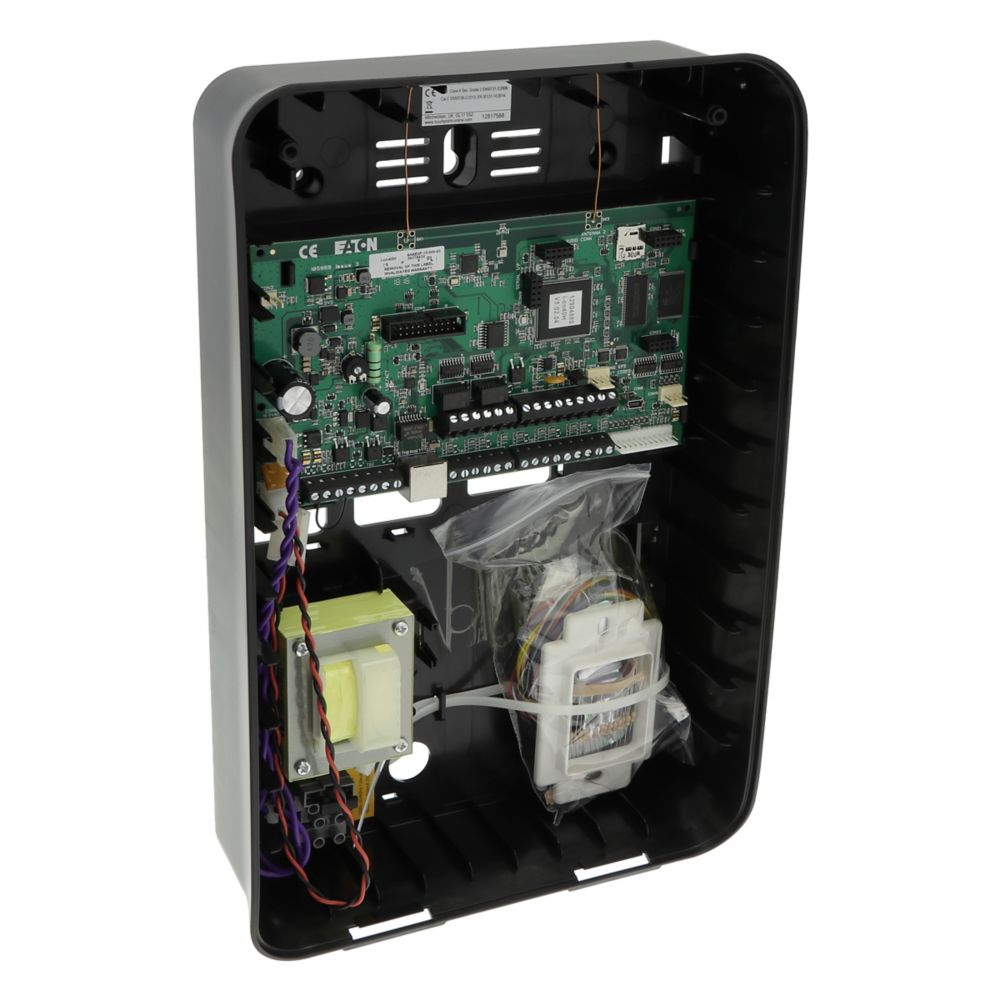
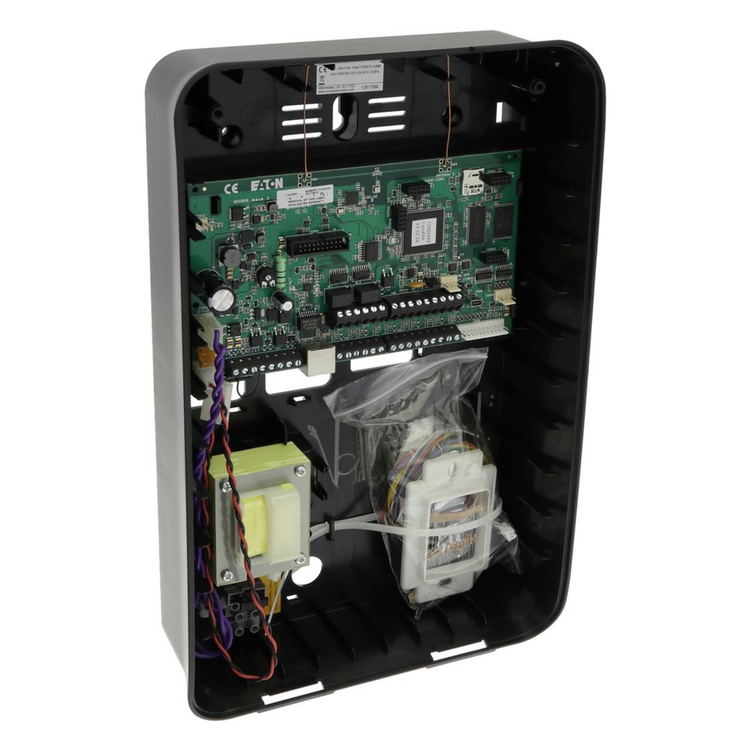
Does your Irish tat have a radio receiver built in ? Then you add gsm / wifi card for comms ?
-
You didn't even angle grind anything ?
-
did you check the fridge ?
-
sounds like a refrigerator problem... You probably have a hellhound called Zuul who is the Gatekeeper of Gozer living in some sort of parallel dimension within the fridge ?
-
OP - find a a proper alarm co which uses proper gear 🙂 (that's at least find of the posters clicking the like button)
-
does the irish tat do serial devices off normal alarm cable ?
-
you can't find anyone who's able to work with an 9448 ? do we have a flabbergasted emoji ??
-
For work in London you don't really need to provide much more information than say "Battersea" to see if a local provider is willing to offer a price for the job. Its unlikely we have an active poster that supports the location & your preferred manufacturer but a member may be able to provide a recommendation to co. which will look after you. I'm form he North of England & do some commercial work in London, after travel & expenses I think I earn the same money as working at home.... I only do it for the turn over & the look of horror when I say please & thank you to bus drivers & good morning sir to traffic wardens..... ect
- 16 replies
-
-

- 1
-
-
- texecom
- premier
- veritas
- wired alarms
-
Tagged with: