


_2d2230.png)
_5a42ce.png)

MrHappy
Global Moderator
-
Joined
-
Last visited
Everything posted by MrHappy
-
Changing both the controls & the sensors will be too dear for the sub
-
lol, I was guessing it may have been one of the late great "arfurmo" systems traded as something eye from wickford or thereabouts. But w/o the use of a ouija board we'll never know
-
swapping the colours around make no difference to the circuit, your picture shows the strands of the cable touching.... that is probably why it was in tamper
-
long shot.... Essex ?
-
ah, if your doing favours or there's little or no money attached... just remember old iD systems can be a pain, I no longer see any of our ADE iD panels, if one crawled back out of the woodwork I'd move it to premier with an iD expander. The bell "squawk" will either be an option in the menu's or something programmed as a "set" output or similar.
-
Ebay, looking in leading security wholesaler portal- more than double, +vat
-
Its a national co. & the engineer doesn't want to do cash in hand work for the OP.... The OP probably has a wireless contact from ebay which he assumes will work with national co. system.
-
yes & 4i ain't so far....
-
All these yrs I've read all your content like Apu from the kwik-e mart
-
I'd say your buying the "Wong" stuff
-
you may get extra costs for import duty
-
You've seen our Pug van then...
-
cost £0, "MOT" fail no tamper circuit panel date says 1996 but wiring looks older ?
-
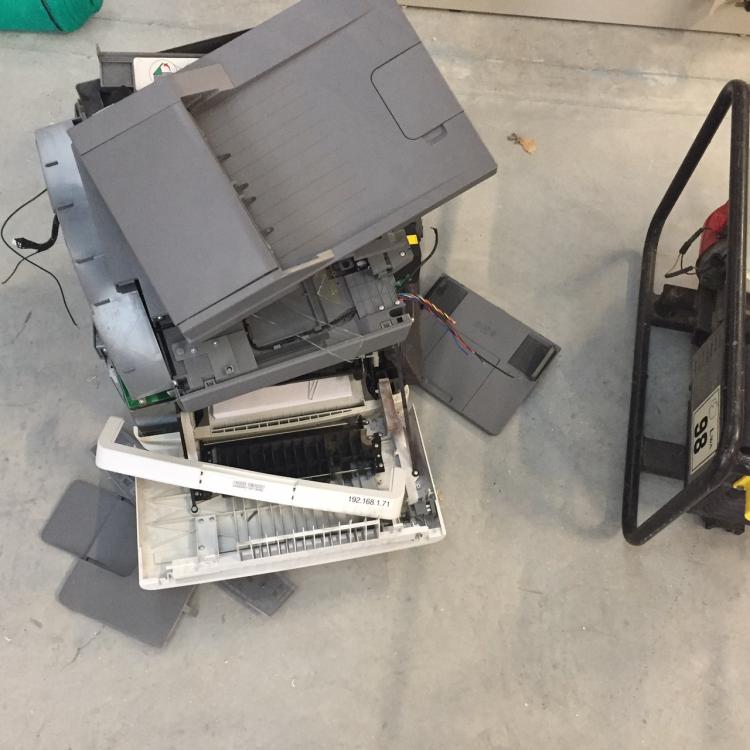
knew there was a pic some where.... Lexamrk make some smashing printers
 mono ?£4 over - https://www.printerland.co.uk/Lexmark-CX317dn--P139622.aspxIirc dell printers are rebranded Lexmark I have cheapo mono dell printer & a Lexmark multifunction cira £160inc vat However genuine toner is dearer than others. Scanning stuff is quicker & easier with a brother ADS rather than using MFP+150mA for the controls ? + bell, modern low current one 60mA in day call it 500ma for easy math ? lets call the 2200mA panel battery 2.5A for easy math? so just 5 hr standby I'd assume the psu to be rated 1A & assume the system will draw more than this in alarrm ?remove all wired devices off the system & set & then unset the alarm if a fault are still logged, move the router further away from the controls & try again if you get it working next test is wire everything back set it , remove power & let it ring for a bit turn it off & leave the power off for bit longer....because a panel, keypad, app card & 3 zem is much dearer than an enforcer + 4 zem ?My old alarm collector pops in once a week & Empties the wheelie binyes,just in case anyone cares rkp- pcb- imagines from google



Important Information
By using this site, you agree to our Terms of Use.