_2d2230.png)
_5a42ce.png)

al-yeti
Trade Full Member
-
Joined
-
Last visited
Everything posted by al-yeti
-
-
Oh in that case it's just a few quid dude for the internal backup battery Thing is in your first post you have a link for RF battery pack hence I thought it's RF sabb But the RF sabb can also run off the panel on 12v but the signalling is via the RF Wired bell, then you can get any bell as a replacement if you had to
-
Although wholesaler is talking **** about the battery pack Just replace the cr123 see if it helps you don't need the whole new pack open it 6xbatts Maybe the sounder itself is weather damaged? The sounder yes is expensive ish
-
Insecure side ? So how will it be protected?
-
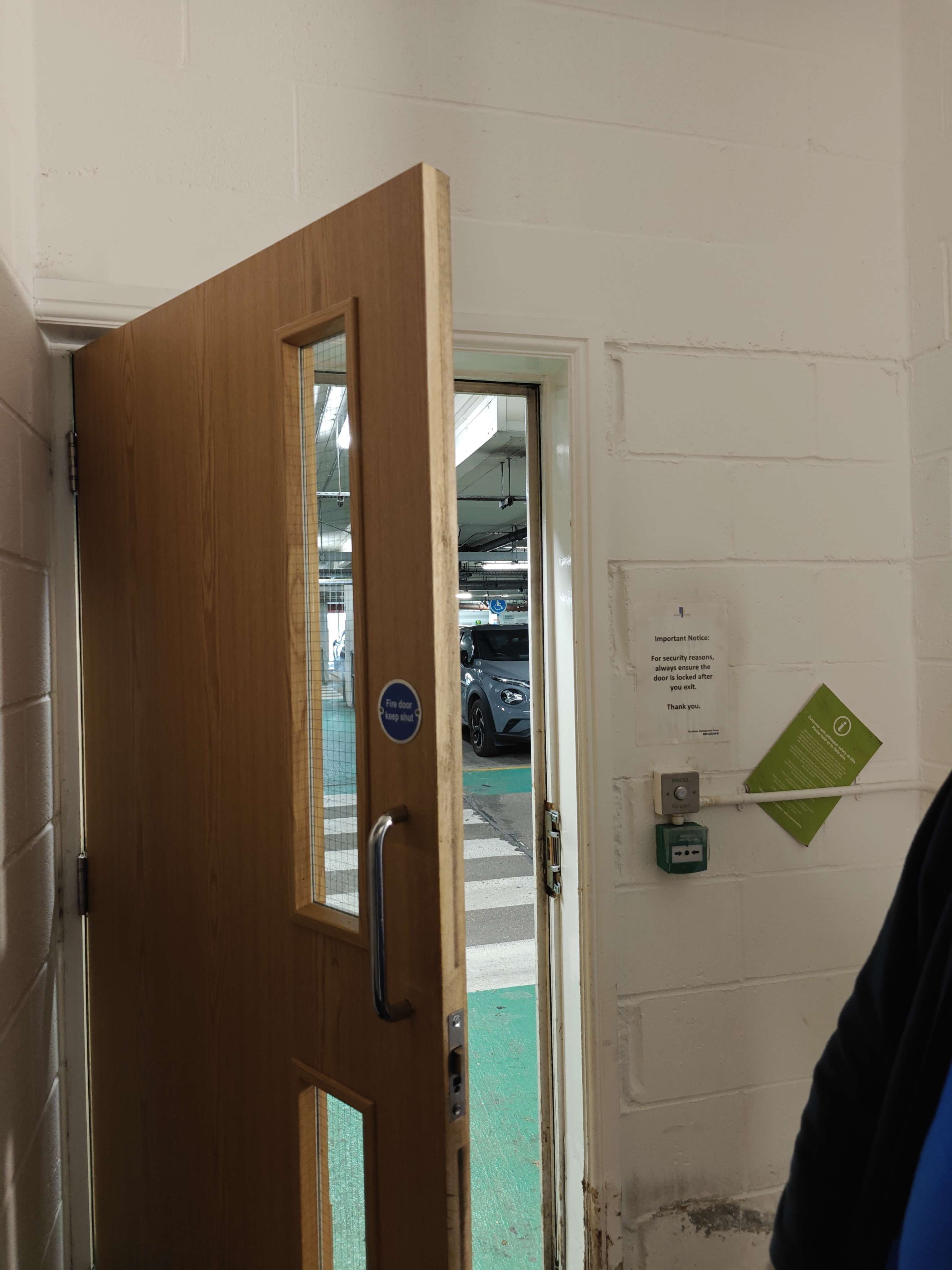
How would you put a maglock here ?as standard lock keeps failing as it's being forced open over time
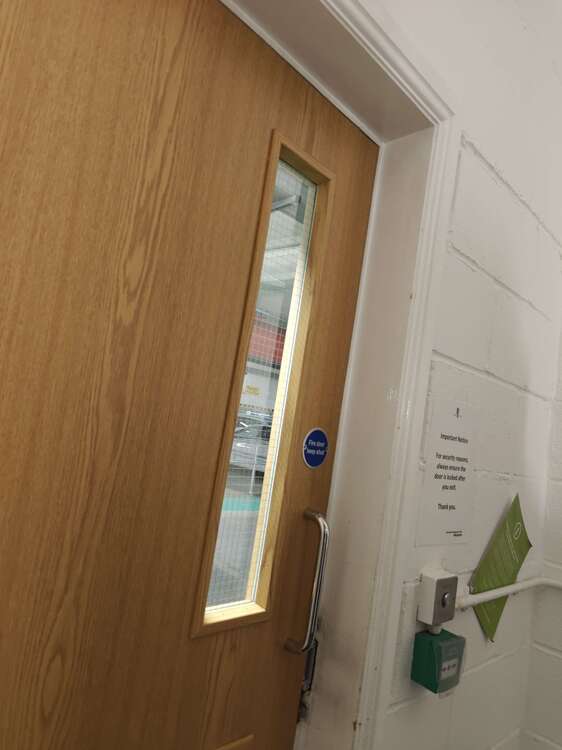
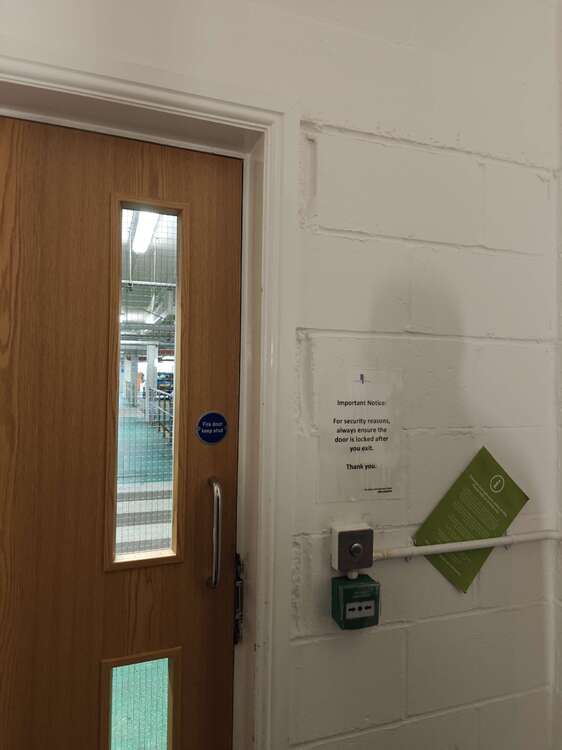
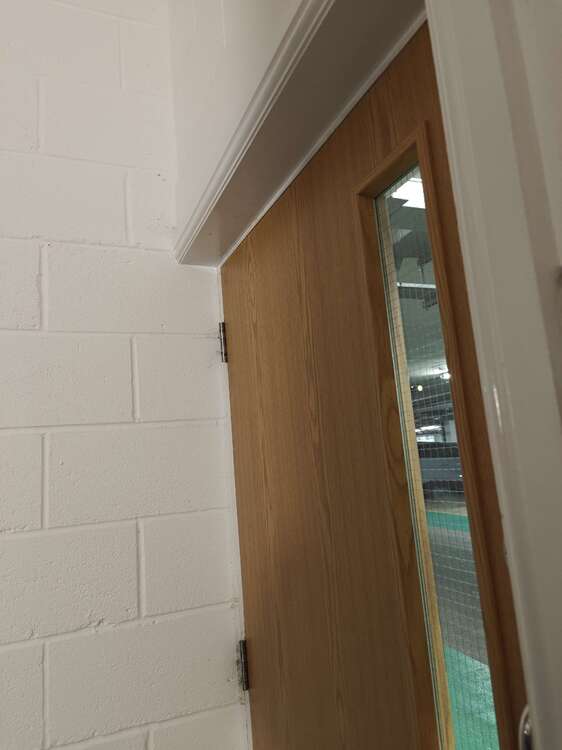
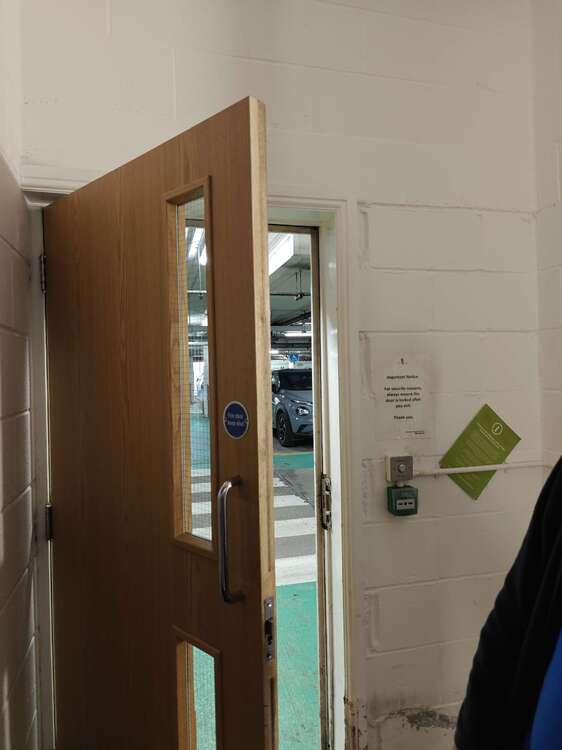
-
Price of a panel and keypad DIY your mad keeping this going
-
Well I assume eBay new panel doesn't work so forget it
-
So going back it seems you think both keypads work But are sending line 2 downstairs Why not just put everything on to line 1?
-
And not cut the spares off ......
-
-
-
-
Yeah lol I forgot about that my bad
-
To start with Swap one keypad with one of the others without changing the address, do it pulling off the plug rather than undoing the wiring Did the fault move with the keypad? Or does it start working?
-
Maybe give more detail and pictures , and what do you mean new from Honeywell? Are you connected to line 1? , as above keypad address although default it should have worked
-
Still have an old network bw hp laserjet always bought used and models sold in buckets loads on eBay as cheap and spare parts and toner
-
But realistically if you know where the controller connections are you can connect to it to open the gate , like if there was a push to exit
-
If you unregistered all the devices you must have got into installer mode Why not try factory codes now? This forum doesn't allow giving out of default methods and codes and so on
-
Something i even tell app users , if you disarm in error rearm otherwise don't disarm just cos you get a call or notification, Maybe he means remotely that's what he thinks happens ? Or does the panel have a key switch input? Which triggers via dialler ?
-
Yes but it still doesn't explain your last comment lol
-
I read it a few times , don't make sense to me , even asked ai to explain it to me..... Cos you alarm men have your own language lol
-
Overall they are not good pirs imo
-
https://www.securitywarehouse.co.uk/catalog/intruder-alarm-equipment-c-36/movement-detectors-c-36_116/all-c-36_116_37/optex-flipx-standard-indoor-pir-sensor-with-rotatable-lens-p-6130.html
-
Those PIR are no good tho
-
Yeah all had the touch screen keypad , replacing battery solved problem in some but not for long