_2d2230.png)
_5a42ce.png)

ElecTech
Member
-
Joined
-
Last visited
Everything posted by ElecTech
-
Read the manual, still clear as mud. How do you know how many seconds you need to gain when the time is out by 15 minutes? The parameters of seconds selection are 1-120. I think I'm reading it wrong, could you explain please?
-
Where is the adjustment in the menu?
-
Any idea why? I'm finding customers using the log to go by for evidence purposes I.e. A break in but it isn't aligning with CCTV footage nor access records and looks a bit shoddy.
-
I'd imagine £50-£150 somewhere in between.
-
Has anyone else had problems with Galaxy's RKP time not being correct & even when corrected over time they creep out of time sync. I am forever correcting times on the RKP's knowing the time has been set correct as I installed the system. Seems to be across the board.
-
-
Sixwheel - would you advise from using P2P on a CCTV application for commercial?
-
Hi, noticed a feature on the Dahua DVR (P2P), which requires no port forwarding etc... 1. How does this work 2. How secure or vulnerable does it make the network or cctv when enabled thanks.
-
Does anyone know of an IP intercom system that can have 4 external call buttons each going to a different PC to be answered per department.
-
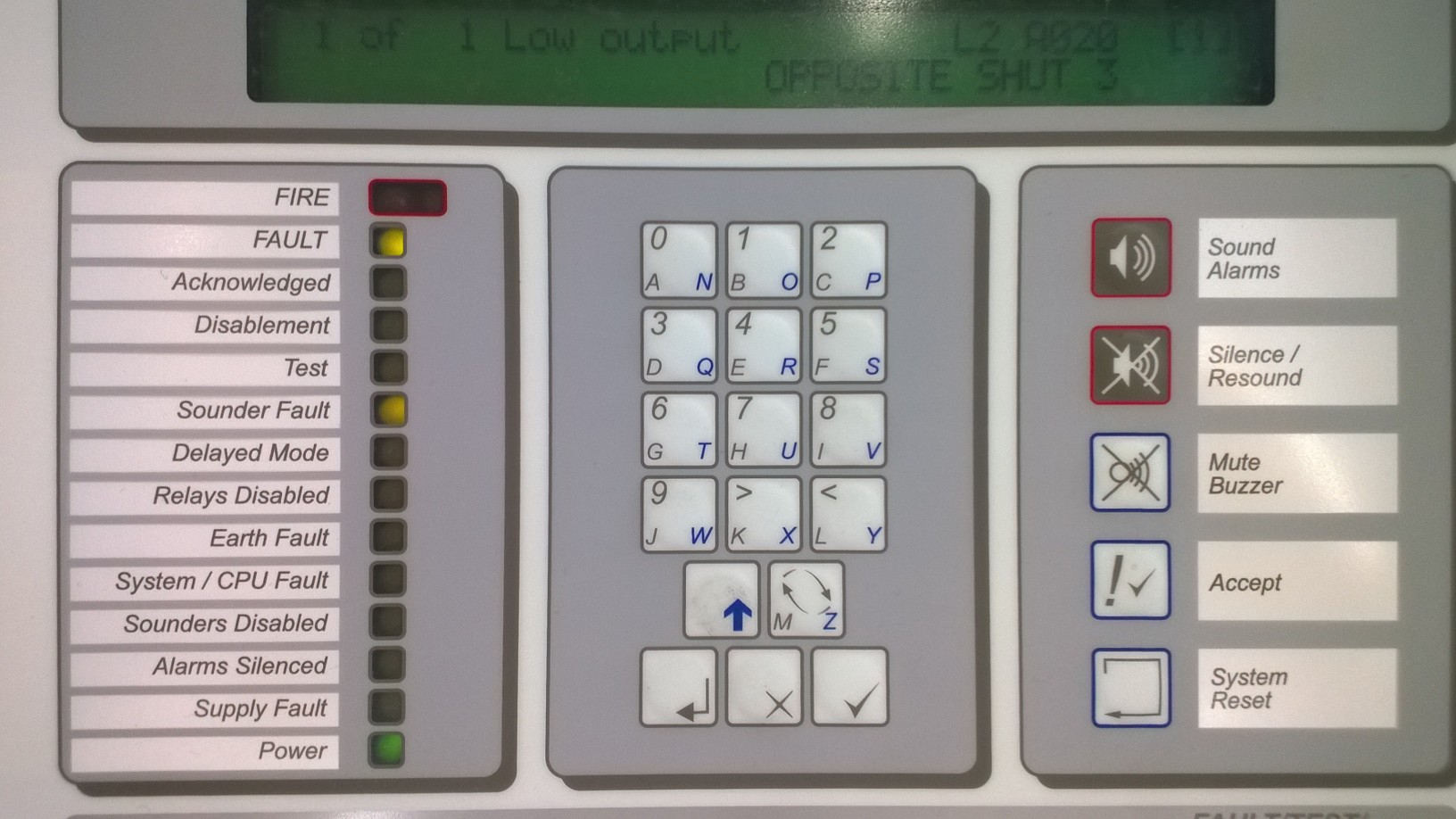
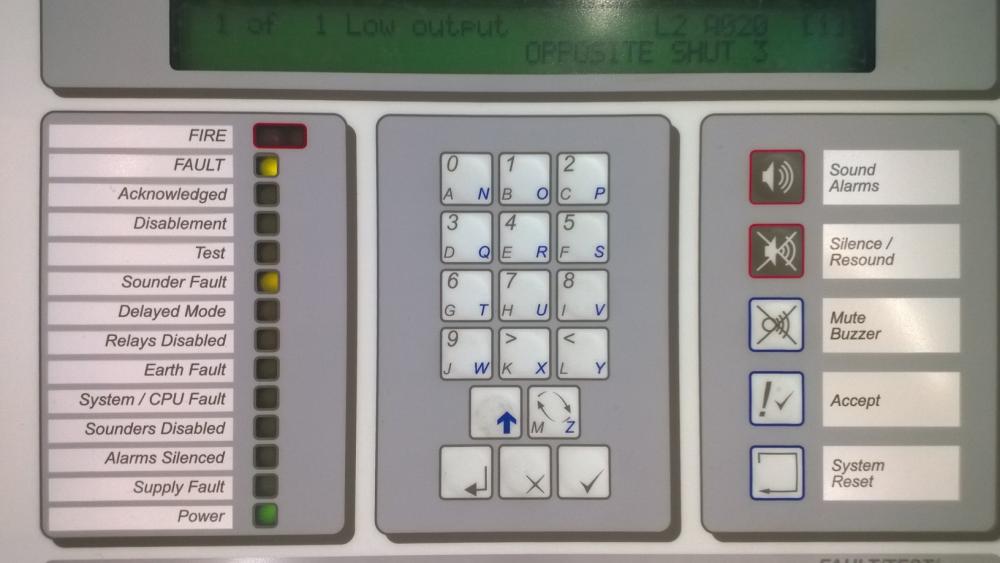
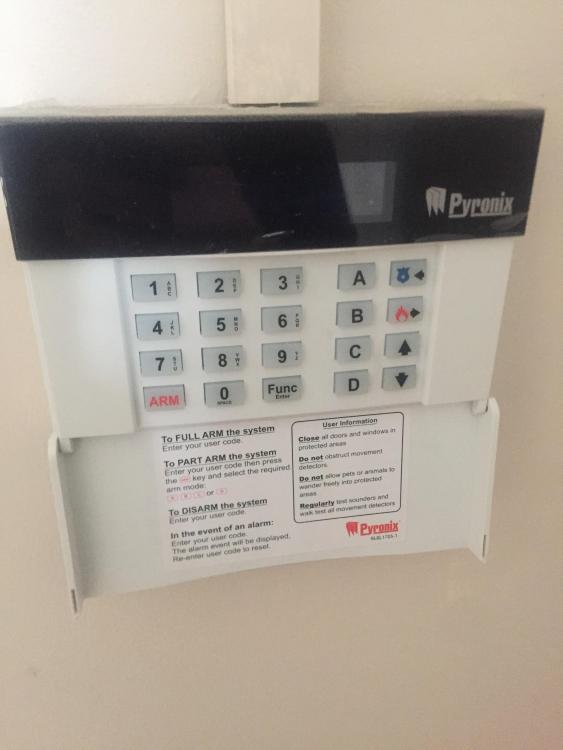
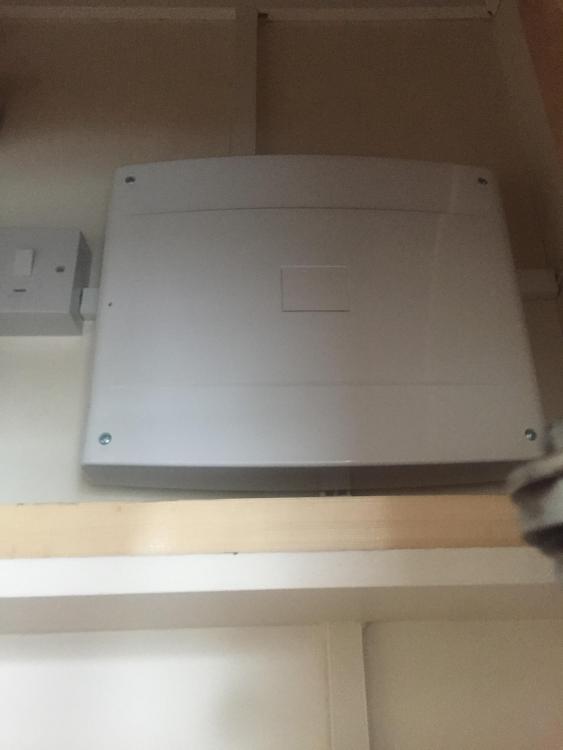
H guys, See photo... totally unsure what "low output" means, its on a sounder address. Cheers,
-
Panel name and model please
-
I'm after a freelance consultant to advise us on our processes and procedures from top to bottom. In short - an NSI audit before the audit If anyone is interested send me a message.
-
Potentially looking to hire our first engineer... Just curious what the going rates are nowadays. Are these "packages - laptop, phone, pda, vehicle" standard in this day & age. & what starting salary for a technically overall good engineer should we expect? Midlands based.
-
Hi, We maintain a Texecom Premier 88 & we're hoping on remotely supporting the site. Does the Texecom range have a similar bit of kit to a Galaxy Ethernet Module with the RSS?
-
And was on a galaxy...
-
Funnily enough yes... we fitted two on a roller shutter over a week ago, this weekend we had a call out - tamper then high res within the same minute. Showing closed ever since. We have put it on soak test for now... Strange - although I don't like the look of the tamper switch within elmdenes G3 junction box. Looks flimsy and unreliable IMO.
-
Anything more light hearted??
-
Sorry for the vagueness on product specific details... A guy has rang me & asked if its possible to add an external HDD onto a QVIS (old analogue) DVR... His DVR HDD is knackered & wondered if he could add his own. Does anyone know if this is possible? If not what are the chances of getting a replacement HDD or will it be replacement unit only.
-
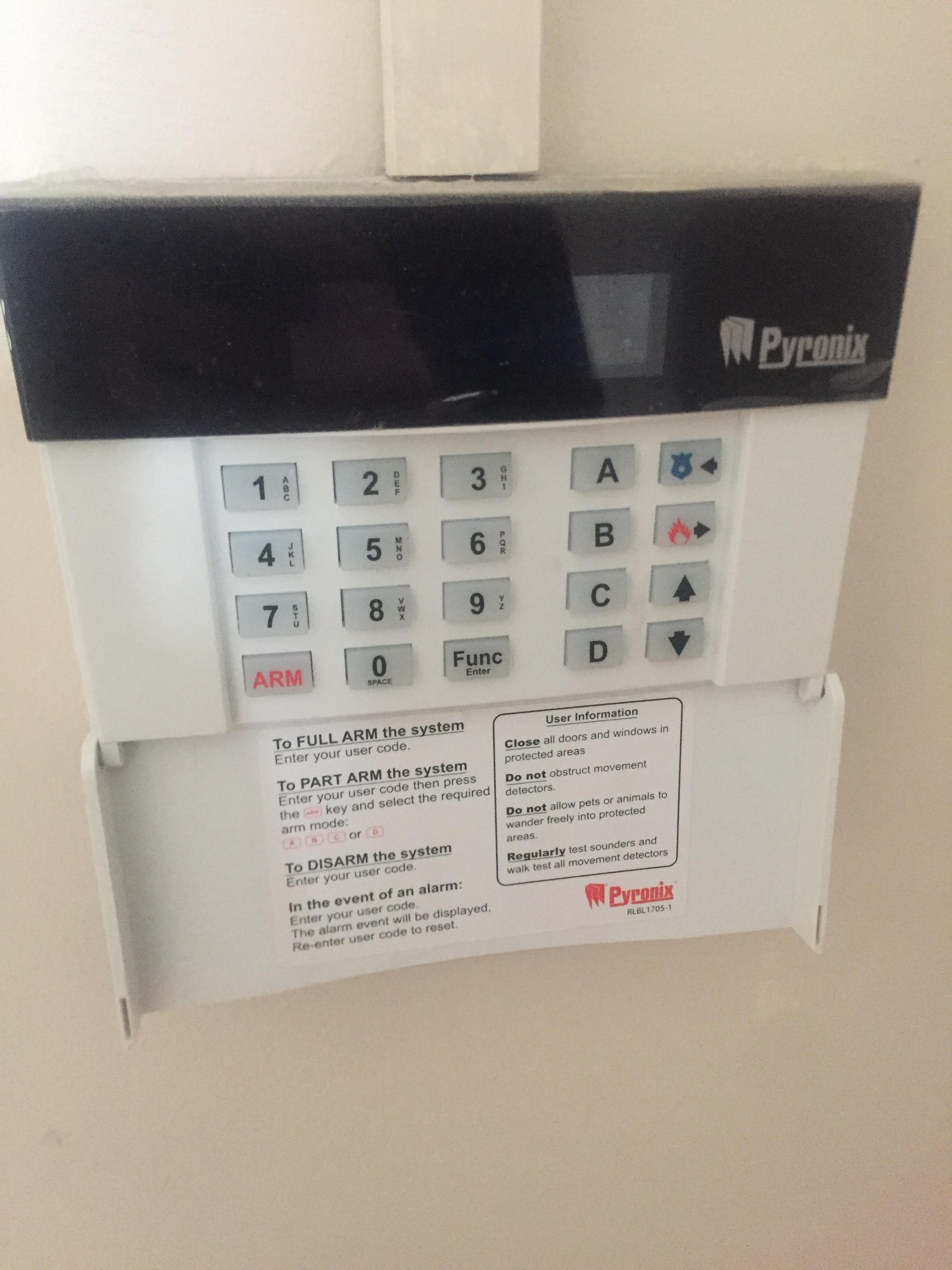
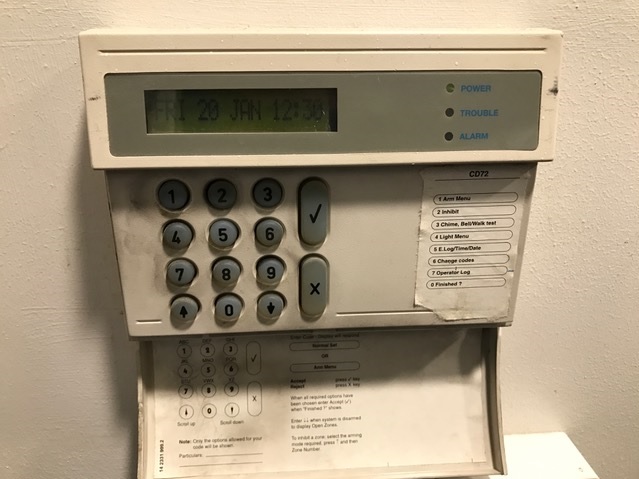
Does anyone know what panel this keypad sits on?
-
-
Is it me or is HIK vision way overhyped? I've never used it before until yesterday & I'd say it looks cheap & nasty which runs in like with what they paid for it so no arguments on that point but I don't think this product is suitable for "any application". It has a market don't get me wrong but I don't think it warrants the wankfest some people make out...
-
Is there any reg or government law that states these cant be used on a built up residential premises? The 120DB/mains powered type.
-
Looking for a second opinion on what grade an intruder system should be.. Here's the scenario... - 300m x 150m warehouse - Storing medium value vehicles - On-site security (in separate hut so alarm is set night time) - Typical industrial estate, CCTV is present on site & around the estate - Fencing & typical physical features are present My gut says grade 3 but not sure on the "risk" with onsite security being present? Would this kind of presence bring a system down a grade? I'm thinking what if the security were removed? Or would that be on the installation company to reassess the risk?
-
I understand - really insightful thank you...
-
Thanks, How about a system that has had minor works carried out? The original system holds an NSI cert, does a new one need to be reissued for the minor works?